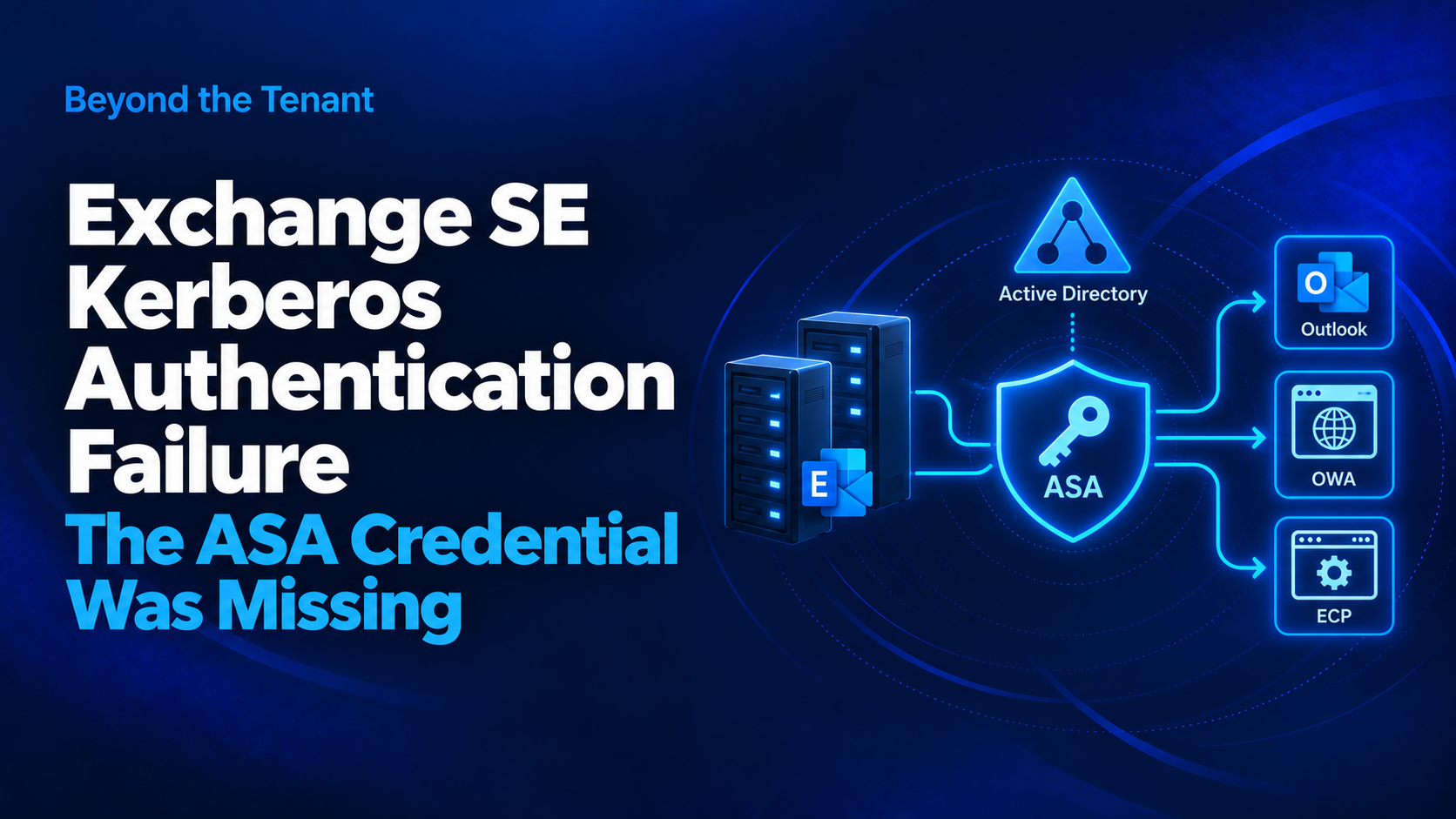

Maynor in the Cloud / Beyond the Tenant
The new Exchange servers looked ready. The authentication dependency was not.
Problem
We were introducing new Exchange Server Subscription Edition servers into an existing Exchange environment.
Before moving production traffic, we tested the new servers directly by overriding name resolution with host-file entries. The goal was to point the existing Exchange namespaces to the new servers and validate OWA, ECP, and the other virtual directories before changing production DNS or the load balancer.
OWA and ECP reached the new servers, but authentication failed.
The URLs were correct. The virtual directories were there. The servers were reachable.
The failure was happening during authentication.
Symptoms
- OWA authentication failures
- ECP authentication failures
- Kerberos-related errors during testing
- Failures only when traffic was directed specifically to the new Exchange SE servers
That last point mattered. The issue followed the new servers.
Investigation
Once we confirmed the virtual-directory configuration and connectivity looked right, we worked backward through the authentication path.
The problem initially looked like an SPN issue because Kerberos was not completing successfully.
That led us into Active Directory and the Exchange Kerberos configuration.
The environment already had an ASA-based Kerberos configuration associated with the Exchange namespace. But the ASA credential had not been rolled out to the newly introduced Exchange SE servers.
Root Cause
The Exchange organization was already using an Alternate Service Account for Kerberos authentication, but the ASA credential had not been deployed to the newly introduced Exchange SE servers.
The new servers could receive requests for the existing Exchange namespace, but they had not been provisioned with the ASA credential used by the existing Kerberos configuration.
Validate the ASA Configuration
The first step was to compare the ASA state on the Exchange servers.
Get-ClientAccessService <NewExchangeServer> `
    -IncludeAlternateServiceAccountCredentialStatus |
    Format-List Name,AlternateServiceAccountConfiguration
The important question is not simply whether Kerberos is configured somewhere in the organization. It is whether the server you are about to place into service has the expected ASA configuration.
Resolution
The existing ASA credential needed to be copied from a working Exchange server to the new Exchange SE server.
.\RollAlternateServiceAccountPassword.ps1 `
    -ToSpecificServer <NewExchangeServer> `
-CopyFrom <ExistingExchangeServer>Validation
We went back to the same test that originally exposed the problem.
Do not validate a fix with a different test than the one that failed.
Using the host-file override, traffic was again directed specifically to the new Exchange servers and the affected virtual directories were retested.
Validation needed to prove:
- the new server had the expected ASA credential
- OWA authentication worked
- ECP authentication worked
- Kerberos authentication completed successfully
- the existing Exchange namespace continued to function as expected
Why This Is Easy to Miss
When adding or replacing Exchange servers, several obvious items normally get attention:
- certificates
- virtual-directory URLs
- namespaces
- SCP configuration
- load-balancer configuration
- DNS
- connectivity
Those can all be correct while Kerberos still fails.
The ASA credential is different because it is part of the existing authentication architecture but also has state that must be present on the individual Exchange servers participating in it.
The Troubleshooting Lesson
The most useful part of this incident was not the command that fixed it.
It was the way the problem was found.
We did not wait until production cutover to discover that authentication was broken. We forced the production namespace toward the new Exchange servers during validation and tested the actual user-facing services before placing those servers behind production traffic.